
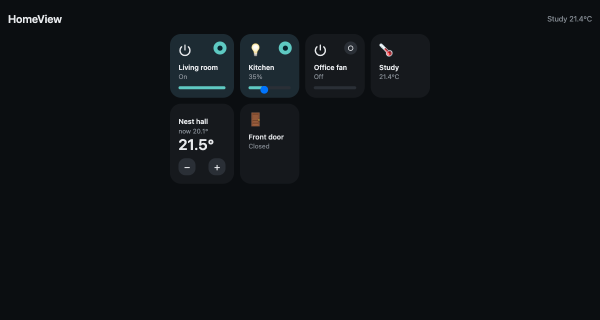
Build an Apple Home-Style Dashboard on a Mac or Raspberry Pi (Powered by Home Assistant)
I really like the Apple Home app: dark tiles, a badge that lights up, no thinking about protocols. What I don’t like is being limited to what Apple decides to surface, with the only escape hatch being HomeKit bridges.
Here’s the deal I actually want: the same experience, self-hosted, running on the Mac (or a Raspberry Pi) that already sits on my home network, talking to Home Assistant — which is already the brain of the house.
That turned out to be one Python file, standard library only. This post is a complete, verified walkthrough: every output below is from a real run.